Introduction
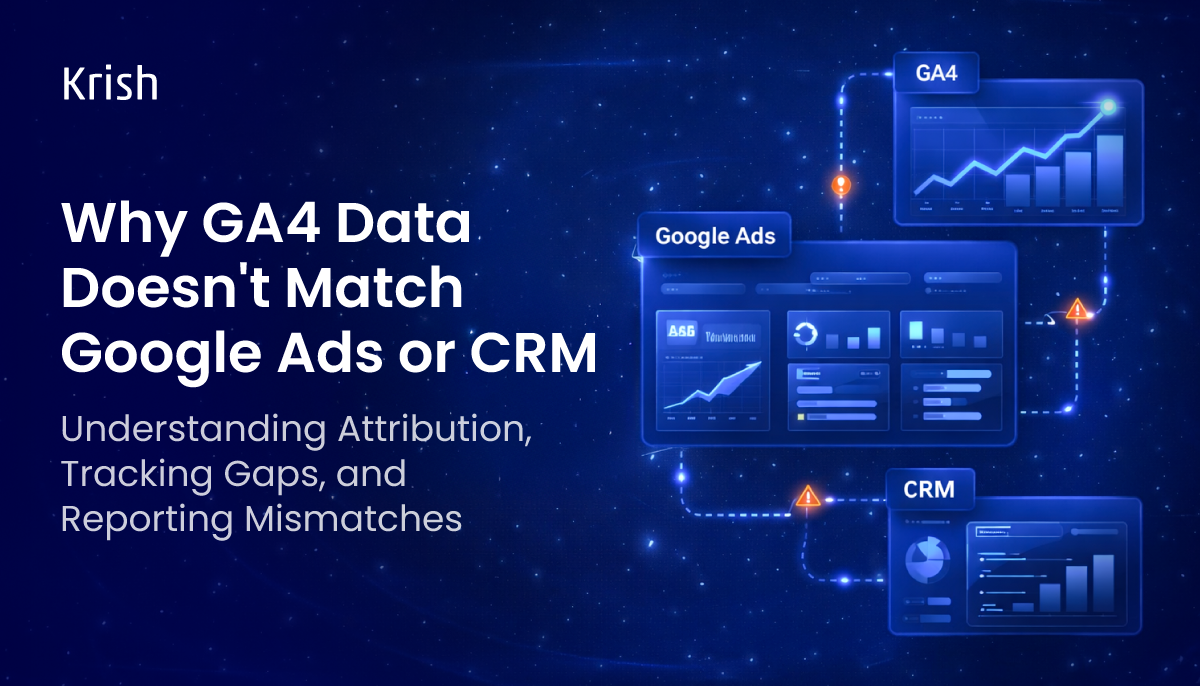
You open Google Analytics 4 and see 480 conversions. Then you check Google Ads, and it says 620. Your CRM? It shows 310 actual leads.
Which number do you trust, and why aren’t these numbers matching to start with?
Data mismatch between GA4, Google Ads, and CRM is one of the most common yet most critical issues affecting marketers today. According to Gartner, poor data quality issues cost companies an average of $12.9 million annually. When your numbers don’t match, budget decisions go wrong, marketing campaigns go misattributed, and sales opportunities are lost.
In this guide, you will learn why these differences occur and how to fix them step by step. You will also learn how to analyze them using a structured audit process in Google Analytics 4 and how to align your reports across all platforms.
Understanding the Root Cause of Data Mismatch
Before we get into the fixes, let me make one thing clear: GA4, Google Ads, and the CRM are three different systems, and they’re all tracking the same thing, just from a different perspective. They measure different events and use different attribution logic and conversion count rules.
Here’s a simplified breakdown of what each platform is actually measuring:
| Platform | What It Measures | Attribution Method |
|---|---|---|
| GA4 | Website behavior + events | Data-driven / Last click (configurable) |
| Google Ads | Ad clicks + conversions | Last Google Ads click (default) |
| CRM | Qualified leads + sales | Manual entry / form submissions |
Different starting points, different endpoints. This alone explains a lot, but there are more specific technical reasons these gaps occur.
Technical Reasons Behind GA4 vs Google Ads Data Differences
The initial step in a GA4 audit process requires assessment of the GA4 and Google Ads integration. The following list presents the most frequently occurring reasons that lead to data discrepancies:
A. Attribution Model Differences
Google Ads uses Last Google Ads Click attribution by default. GA4 uses a data-driven model by default, or the last non-direct click for older versions. This means that the same conversion event can be attributed to completely different sources, resulting in wildly different numbers.
B. Conversion Window Mismatches
Google Ads can track conversions for up to 90 days after a user clicks an ad. On the other hand, GA4 only tracks a session for 30 minutes. This means that if a user clicked an ad today but converted after 15 days, GA4 may fail to track it.
C. Cross-Device Tracking Gaps
A user clicks your ad on mobile during lunch and converts on desktop at home. Google Ads can stitch this journey together (especially if the user is signed into Google). GA4, without User-ID or Google Signals enabled, sees these as two separate users, one of whom never converted.
D. Auto-Tagging Is Off or Broken
Auto-tagging in Google Ads adds a GCLID to your landing page URL. If this is turned off or removed during redirects, GA4 can’t track it as a paid ad click and may count it as “direct” traffic.
E. Conversion Deduplication Issues
If you’re importing GA4 goals into Google Ads and also tracking conversions natively in the Google Ads tag, you’re likely double-counting. This inflates Google Ads numbers versus what GA4 records.
GA4 Audit Checklist Item
Go to Google Ads → Tools → Linked accounts → Check GA4 link status.
Then verify auto-tagging is enabled under Settings → Account Settings.
Why Your CRM Data Tells a Different Story
This is often the more complicated mismatch, because your CRM data represents actual leads and revenue. When GA4 says 200 form fills, but your CRM shows 130 contacts, something is clearly wrong upstream.
Common GA4 vs. CRM Data Gaps
- Form tracking is not set up correctly. GA4 fires an event on form view, not on form submission
- Spam/bot submissions inflate GA4 form_submit events, but your CRM filters them out
- Thank-you page loads do not necessarily equate to a successful submission (page reload, or back button navigation)
- CRM can track conversions that occur offline (calls, walk-ins, referrals), which GA4 will never see
- GA4 session data is anonymous until a form is completed, and pre-submit drop-offs vanish
- GDPR / cookie consent blockers prevent GA4 from tracking users who converted via CRM
The result: GA4 always overreports at the top of the funnel and underreports at the bottom. Your CRM is more representative of the truth, and a well-configured GA4 will have events aligned with CRM-verified actions, not just pageviews.
GA4 Reporting Issues You Should Never Ignore
Beyond GA4 and Google Ads mismatches, these reporting issues are clear signs that your data integrity is at risk:
- Sessions spike without a traffic cause — usually a tag firing multiple times per page load
- Bounce rate is 0% or 100% — often means the GA4 tag is duplicated or engagement events are misconfigured
- Referral traffic from your own domain — internal traffic filters or cross-domain tracking not set up
- Conversions jump or drop overnight — usually a tag manager change or GA4 update affecting event triggers
- Not set appearing in key dimensions — signals missing UTM parameters or broken campaign tagging
- Extremely high “direct” traffic — often caused by broken redirect chains stripping UTM parameters
According to a survey, organizations believe poor data quality to be responsible for an average of $15 million per year in losses.
If these issues aren’t fixed, they keep getting worse over time. Your past data becomes less reliable, and comparing trends or year-over-year performance stops making sense.
How to Fix GA4 and Google Ads Data Mismatch: A Step-by-Step Audit
A Google Analytics 4 audit is not something that happens once. It’s a thorough examination of the way data flows throughout your entire tech stack. This is what an actual Google Analytics 4 audit checklist looks like:
Step 1: Audit Your GA4 Configuration Fundamentals
- Make sure the GA4 property is linked to the appropriate Google Ads account
- Make sure auto-tagging is ON in your Google Ads account settings
- Check that the GA4 tag is firing on all pages, in particular the thank-you pages
- Check that DataLayer is implemented correctly if using GTM
- Review GA4 Data Stream settings, ensure enhanced measurement is correctly configured
- Confirm GA4 configuration settings are set up correctly (e.g., events, conversions, GA4 custom dimensions, and tracking setup)
Step 2: Align Attribution Models
- Change attribution models in data-driven attribution in both GA4 and Google Ads
- Create matching lookback windows in both GA4 and Google Ads, such as a 30-day click and a 1-day view
- Use GA4’s Attribution reports (Admin > Attribution Settings) to see how model changes affect your numbers
Step 3: Eliminate Duplicate Conversion Counting
- Audit all active conversion actions in Google Ads — remove duplicates
- Choose either GA4-imported goals OR Google Ads native tags — not both — for the same event
- Mark non-primary conversion actions as ‘Observation only’ to stop them from influencing bidding
Step 4: Fix CRM Data Alignment
- Use server-side event tracking or webhook-based conversion imports to synchronize conversions imported from your CRM back into GA4
- Use User ID tracking in GA4 to enable cross-device tracking using your CRM’s user ID
- Use offline conversion imports in Google Ads, matching your CRM lead ID to GCLIDs
- Use UTM parameters on all emails sent out of your CRM to ensure visibility of your marketing funnel
Step 5: Validate with a Reporting Reconciliation
- Pull a 30-day report from GA4, Google Ads, and CRM side-by-side
- Identify your acceptable variance threshold (typically 10–15% is normal; 30%+ needs investigation)
- Document all known exclusions (bot filters, internal traffic, cross-device gaps) so your team understands the delta
Pro Tip from Our GA4 Consultants
Build your own custom GA4 Exploration report to investigate “sessions from paid” vs. “conversions,” filtered by traffic source. Next, take this data and match it up with Google Ads campaign data at the campaign level to see which campaigns have a significant gap in attribution.
When to Get a Professional GA4 Audit
DIY audits work for small issues. But if you’re running significant ad spend, managing enterprise CRM data or preparing for a major business review, Google Analytics 4 audit services pays for itself in recovered budget and better decisions.
You need GA4 audit experts when:
- Your GA4 and Google Ads conversion numbers differ by more than 20%
- Your CRM shows consistently fewer leads than GA4 form submissions
- You’ve recently migrated from Universal Analytics and haven’t validated your GA4 setup
- You’re running automated bidding in Google Ads (Smart Bidding feeds on conversion data; if the data is wrong, bidding suffers)
- You’re about to present ROI data to stakeholders or investors
- Your team is making media budget decisions based on platform-reported ROAS
Don't Let Bad Data Drive Good Budget Decisions
GA4 reporting issues aren’t just a problem for your analytics; they’re a problem for your business. When your data doesn’t reflect reality, every decision you make, every budget you set, is built on shifting sands.
GA4 audit brings your data back to reality. Your data is realigned with what Google Ads is tracking, what your CRM is tracking, and what GA4 is tracking.
Further reading
Ready to Fix Your GA4 Data?
Our GA4 audit services helps businesses align their analytics, ad data, and CRM reporting — so every decision is backed by numbers you can trust.
Get a FREE GA4 Audit (worth $2500) →Table of Content
- Introduction
- Understanding the Root Cause of Data Mismatch
- Technical Reasons Behind GA4 vs Google Ads Data Differences
- Why Your CRM Data Tells a Different Story
- GA4 Reporting Issues You Should Never Ignore
- How to Fix GA4 and Google Ads Data Mismatch: A Step-by-Step Audit
- When to Get a Professional GA4 Audit
- Don't Let Bad Data Drive Good Budget Decisions
Subscribe with Us!
Never miss any post, stay tuned!

Minal Joshi is a content marketer at Krish with a flair for eCommerce and Digital Commerce aspects. She is a MarTech fanatic with a knack of writing with which, she helps brands to curate, create, & commence digital brand positioning. Sharing insights via articles, case studies, eBooks, Infographics, and other forms of content creation is what she lives for. Being an ardent traveler, when not writing, you'll find her sipping coffee into the mountains or petting a stray.
Recommended Reading:
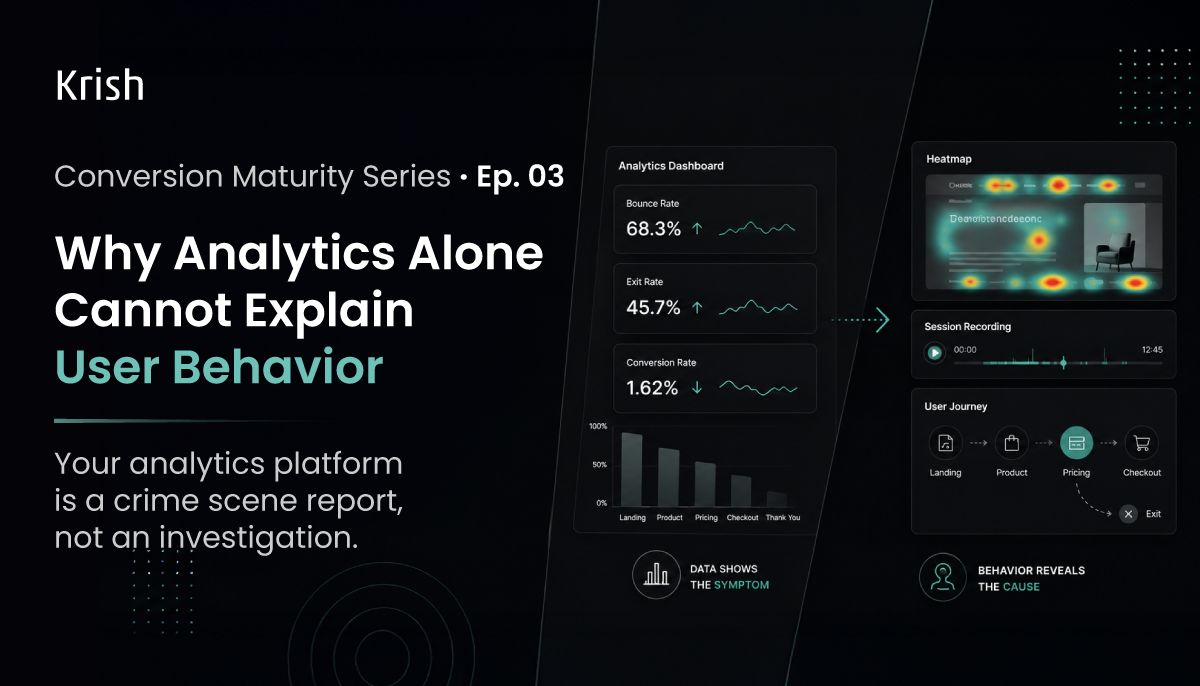
Why Analytics Alone Cannot Explain User Behavior? – Conversion Maturity Series | EP 03
3 June, 2026 A crime scene report tells you what happened. Time of death, method, location. It does not tell you motive. It does not name the perpetrator. That requires a detective.Your analytics dashboard works exactly the same way. It tells you a page has a high exit rate, a form has low completion, and your mobile sessions convert at a fraction of the rate on desktop. But it has no opinion on why. And in CRO, why is the only question that leads to a test worth running.
Subscribe with Us!
Never miss any post, stay tuned!
Trusted by leading brands


